

Catalog teams rarely need one beautiful image. They need a family of images that changes background, season, crop, or campaign mood without changing the product itself. That makes Kimg AI useful only when the workflow protects a small set of product facts. A variant that invents a button, changes the label, or stretches the package is not an efficient asset. It is a new correction job.
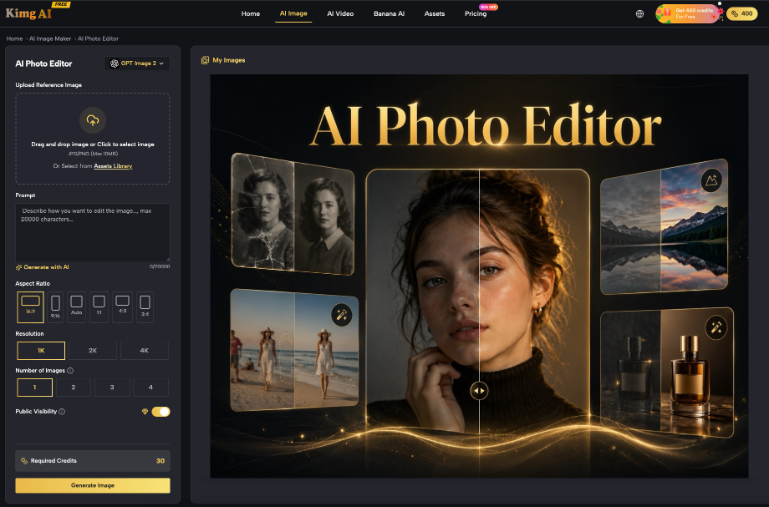
The workspace supports text-to-image and image-to-image creation, up to four reference images for Nano Banana routes, and one to four outputs in a request. Those controls can shorten exploration. The hard part is deciding what is allowed to move. A reference-first catalog process should freeze identity before it asks for variety.
Start With Facts That Cannot Drift
Before writing a prompt, list the visible facts a buyer must receive correctly. For a packaged product, that may include logo placement, label wording, cap color, quantity, shape, and the number of items shown. For apparel, it may include cut, closure, fabric pattern, and color. The list should be short enough to review on every output and precise enough that two reviewers reach the same answer.
Separate Identity Facts From Styling Choices
Identity facts describe the product that is actually sold. Styling choices describe the scene around it. A summer table, a dark studio backdrop, or a wider crop can change freely. The printed ingredients, connector layout, or garment seam cannot. This distinction gives the model room to create while protecting the details that could mislead a buyer or create extra retouching work.
Choose Reference Images for Different Jobs
Do not upload four near-identical photos just because four slots are available. Give each reference a job: one clean front view, one side or detail view, one approved color reference, and one optional scene or style cue. Remove redundant or contradictory images. When two references disagree about packaging or color, the model has no reliable fact to preserve.
| Reference job | What it should prove | What it should not decide |
| Front view | Logo, label, main shape | Campaign background |
| Detail view | Closure, texture, small component | Camera mood |
| Color reference | Approved product color | Lighting style |
| Scene cue | Setting and visual tone | Product construction |
The final column prevents a style image from becoming false product evidence. A lifestyle reference can guide atmosphere, but it should not overrule the real item photographed from the front and side.
Source preparation deserves a real owner. Someone should confirm that the reference pack represents the current product before the creative team begins. That person does not need to direct the visual style. Their job is to remove obsolete files, flag details that vary by market, and record which view is authoritative when two photographs appear to disagree.
Build the Reference First Catalog Workflow
The useful sequence is brief, generate, reject, and only then expand. Kimg AI should enter after the source pack and fact lock are ready. That ordering keeps the creative request readable and makes a failed output easy to diagnose. It also stops teams from paying for many variants of a flawed base image.
Step One Locks the Source Pack
Select the cleanest product images and remove files that show outdated packaging, discontinued colors, or inconsistent retouching. Write the fact lock beside the files. If a logo or label must remain exact, say so in the prompt and keep the source image large enough to inspect. A soft phone photo cannot provide detail that is not present.
Step Two Generates One Controlled Direction
Use Image to Image and request one clear change, such as replacing the background while keeping the product untouched. Choose the image size for the intended channel rather than a random attractive ratio. Generate a small batch, then compare every output against the same fact lock. Do not add a second styling request until one direction passes.
Step Three Expands Only the Approved Base
Once a base direction preserves the product, create channel variants from that approved image. Keep the product facts in every prompt. Change one dimension at a time: crop, backdrop, prop set, or seasonal color. This makes the next review about the new decision instead of reopening the entire image. Save the approved base and its prompt with the final files.
Give each approved base a simple version name and connect every derivative to it. If a later review finds that the base contains an incorrect label or color, the team can identify every affected variant. Without that link, a single generation mistake can spread into product pages, ads, email, and marketplace listings before anyone realizes the files share the same source.
- Reject any change to product shape, label, count, or required color.
- Reject props that imply an unsupported use or included accessory.
- Review the destination crop before approving a channel variant.
- Route final listings through the normal merchandising approval.
Measure Catalog Variants by Corrections Avoided
Generation speed is not the right success metric. Count how many outputs preserve the fact lock, how many require local retouching, and how many must be discarded. A four-image batch with one usable result may be less efficient than a single controlled attempt. The accepted-image rate also shows whether the source pack or prompt needs repair.
Track correction minutes as well as accepted files. A variant that needs a two-minute crop is different from one that requires rebuilding a distorted label. Over a catalog launch, those minutes reveal whether generation is genuinely removing work or merely moving it into quality control. The number is also easier to improve than a general complaint that the model feels inconsistent.
Record Failure Signals in Plain Language
Labels such as bad image or weird result teach nothing. Record visible failures: cap shape changed, logo moved, two products became three, fabric pattern broke at the sleeve, or shadow made the package look transparent. After several batches, those notes reveal which facts need stronger references and which scene requests are too ambitious.
Keep Commercial Permission Separate From Accuracy
Paid plans list commercial licensing, private generation, and watermark-free output. Those terms matter for publication, but they do not verify the product shown. The second use of Nano Banana should still pass the same merchandising check as a studio photograph or a manually composited mockup. Permission to use an image is not proof that its details are true.
Ship the Variant That Keeps the Product Honest
This method fits sellers and creative teams with a real product, a clean reference pack, and a repeatable approval process. It is especially useful when the scene must change more often than the item. The model supplies variation; the fact lock supplies continuity.
Kimg AI earns its place when it reduces avoidable corrections across a catalog set. If the source images conflict or the team cannot name the product facts that matter, pause generation and repair the brief. A smaller set of accurate variants will outperform a large folder of polished images that quietly depict the wrong product.